
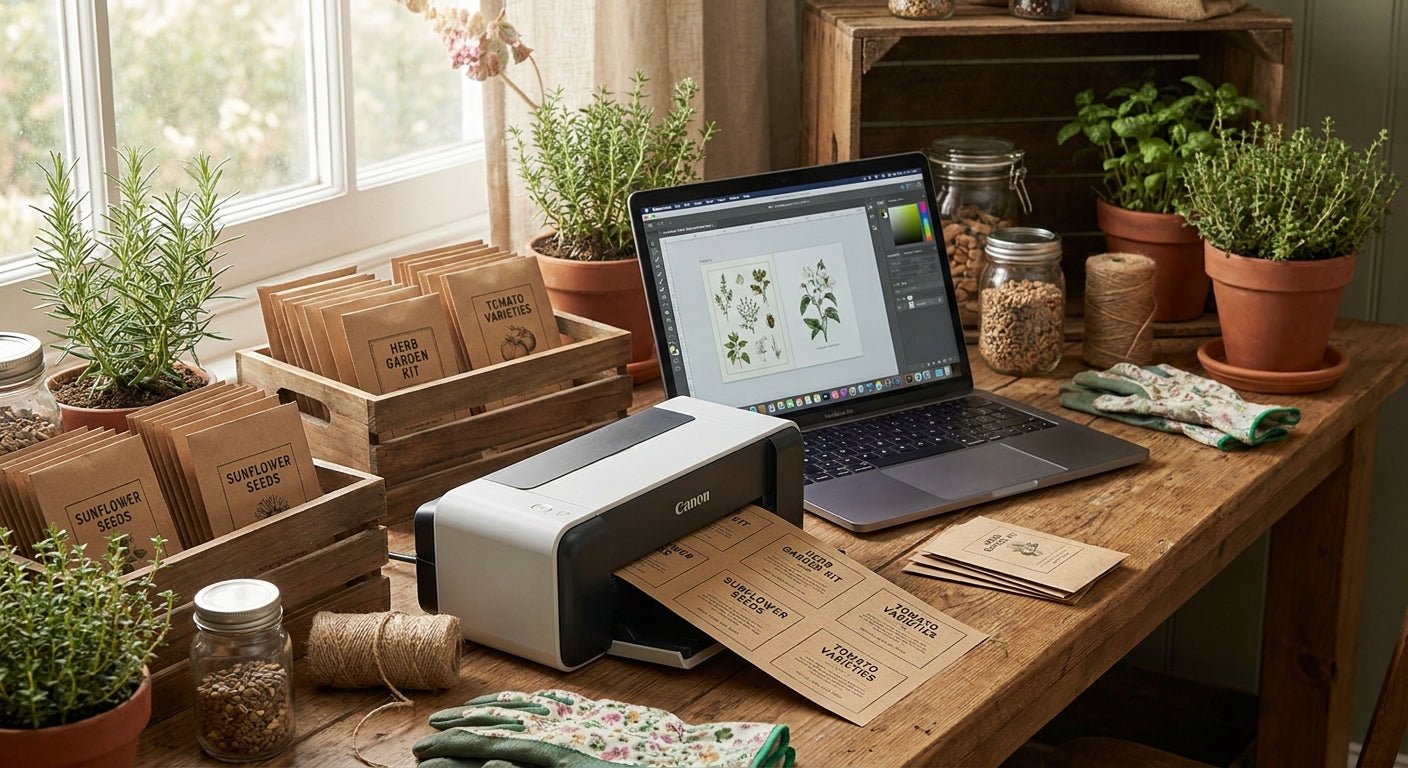
Seed packets and plant kits need labels that survive damp soil, cold shipping, and handling by customers who peel and stick without care — direct thermal paper won't hold up, but the right stock and printer combination will get you through a full growing season without reprints.
- Labels for seed packets need waterproof or semi-gloss stock, not standard direct thermal paper, or ink smears within weeks.
- McAuley Labels' thermal transfer polyester labels resist moisture and UV fade better than paper for outdoor plant kits in 2026.
- A 300 DPI or higher label printer is the minimum for readable variety names and small planting-instruction text.
- Batch print seed labels in runs of 50-100 to catch alignment errors before a full season's inventory is wasted.
Why this matters
Seed packets get handled in greenhouses, garden centers, and mailboxes — humidity, cold shipping, and rough handling are the norm, not the exception. A label that looks fine on your desk can peel or blur within a week outdoors. Picking the wrong material is the single most common reason growers reprint an entire batch mid-season.
The choice between direct thermal and thermal transfer printing determines whether your seed packet labels last through one planting season or fade before the seeds even germinate. Direct thermal is cheaper and faster to set up, but it's heat-sensitive — leave a box of labeled seed packets in a hot truck in July 2026 and the print can go blank.
What you'll need
- A thermal label printer rated for at least 300 DPI (200-203 DPI text gets fuzzy on small seed-variety names)
- Waterproof or semi-gloss label stock sized for your packet or kit format
- Thermal transfer ribbon if you're using polyester or synthetic stock (direct thermal stock needs no ribbon)
- Label design software or a template with variety name, planting depth, sun requirements, and days-to-harvest fields
- A cutting guide or die-cut label roll matched to your packet dimensions
- A flat, low-humidity workspace for applying labels before packing
The steps
1. Decide direct thermal vs. thermal transfer
Direct thermal printers burn the image directly into heat-sensitive paper — no ribbon, lower upfront cost, and fine for indoor seed inventory that turns over fast. Thermal transfer uses a ribbon to fuse ink onto polyester or synthetic stock, and it's what holds up in a greenhouse, a delivery truck, or a mailbox in August 2026.
If your seed packets or plant kits ship to customers or sit in outdoor retail displays, thermal transfer is the right call. Skipping this decision is the most common mistake growers make before their first full print run.
2. Pick the right label material
Paper labels are cheap and fine for one season of indoor storage. Polyester and semi-gloss white stock cost more per label but resist water, UV, and handling — critical for anything going outside a controlled shelf.
McAuley Labels' white polyester thermal transfer stock is built for exactly this kind of exposure: moisture, temperature swings, and repeated handling without the print scrubbing off.
3. Set your label dimensions to match the packet
Seed packets typically run 3x4.5 inches or smaller; plant kit boxes vary more widely. Measure your actual packet before ordering label stock — a label even 1/8 inch oversized will wrap or fold on a small packet and jam a printer feed.
Order die-cut rolls sized to the packet, not a generic size you'll trim by hand. Hand-trimming introduces inconsistent edges that catch on packing equipment.
4. Design the label content
Include variety name, planting depth, spacing, sun exposure, and days-to-harvest at minimum — this is the information a customer actually needs at planting time. Keep the font size at 8pt or larger for anything printed at 300 DPI; smaller text turns illegible once the label ages in sunlight.
A QR code linking to full growing instructions works well on smaller packets where physical space runs out fast — it moves detail off the label without cutting content customers need.
5. Calibrate the printer and run a test batch
Print 10-15 labels before committing to a full run of 500 or 1,000. Check for print darkness, alignment against the die-cut edge, and ribbon tension if you're running thermal transfer stock.
A printer that's out of calibration will drift the print position over a run, and by label 200 the text can be shifted off the label entirely. Catching this at label 10 saves the whole batch.
6. Print in batches of 50-100
Running the full season's labels in one continuous job increases the odds that a ribbon wrinkle or static buildup ruins labels deep into the roll before anyone notices. Batching in smaller runs means a defect costs you 50 labels, not 500.
Check every batch against a physical packet before moving to the next run.
7. Apply and store
Apply labels in a dry, room-temperature space — humidity during application is a common cause of edges lifting within days. Store unused label rolls and ribbon in a sealed bag away from direct sunlight; both degrade faster than most growers expect.
Troubleshooting
- Print fades within a week outdoors — you're likely on direct thermal paper stock exposed to heat or sun. Switch to thermal transfer polyester.
- Labels won't stick to poly seed bags — standard paper adhesive doesn't bond well to plastic film; use a polyester label rated for poly surfaces.
- Text blurs on small variety names — printer is set below 300 DPI, or the font is under 8pt. Raise resolution or increase font size.
- QR codes won't scan — print darkness is too light, or the code is under 0.75 inches. Darken the print setting and enlarge the code.
- Labels shift or jam mid-roll — the die-cut size doesn't match the printer's sensor gap; reorder to the printer's supported dimensions.
- Ribbon wrinkles partway through a run — ribbon tension is off or the roll is near empty; replace the ribbon and recalibrate before continuing.
Tools and resources


Growers running 1,000+ packets a season should request a bulk quote rather than ordering standard rolls one at a time — custom quantities and stock combinations get better per-label pricing than repeated small orders.
If labels are fading outdoors on stakes or garden markers rather than packets, the fix is the same material swap — see how to print waterproof labels for outdoor plant stakes for stake-specific mounting notes.
What to do next
Once your seed packet labels are dialed in, the same printer and stock handle plant tags at scale — nurseries running hundreds of varieties a season need a repeatable naming and numbering system, not one-off designs per batch.
FAQ
What's the best printer for labels for seed packets?
A 300 DPI or higher thermal transfer printer is the best fit for seed packet labels in 2026, since it handles both indoor paper stock and outdoor-rated polyester without a hardware change. Direct thermal works for short-term indoor inventory but fades faster under heat.
Do seed packet labels need to be waterproof?
Yes, if the packets ship, sit in outdoor retail displays, or get handled with damp hands during planting. Waterproof polyester stock costs more per label but avoids the reprint cost of a faded batch mid-season.
Is direct thermal or thermal transfer better for plant kits?
Thermal transfer is better for plant kits that travel or sit outdoors, since the ribbon-fused ink resists moisture and UV exposure that direct thermal paper can't handle. Direct thermal is fine for kits that stay indoors and turn over within weeks.
How much does it cost to print labels for seed packets?
Paper thermal transfer stock runs around $10 per roll while polyester stock runs closer to $45, with per-label cost dropping significantly on bulk orders. A custom quote is the better route past roughly 1,000 labels a season.
What size should a seed packet label be?
Most seed packet labels run 3x4.5 inches or smaller, matched to the packet's front panel. Measure the actual packet before ordering die-cut rolls rather than trimming a generic size by hand.
Can you put a QR code on a seed packet label?
Yes, a QR code linking to full growing instructions works well when packet space runs out for planting depth, spacing, and harvest details. Keep the code at least 0.75 inches and print darkness high enough to scan reliably.
Why do seed packet labels fade or peel outdoors?
Fading and peeling almost always trace back to direct thermal paper stock used in a heat or sun-exposed setting where thermal transfer polyester was needed instead. Humid application conditions also cause edges to lift within days.
One last thing
Most seed packet reprints in 2026 trace back to one decision made in the first ten minutes of setup: printing on standard paper stock because it was already loaded in the printer. Check the material before the first test print, not after the batch is boxed.
McAuley Labels ships both the direct thermal and thermal transfer stock needed to run this decision correctly the first time, and a printer calibrated for 300 DPI catches most of the rest.