
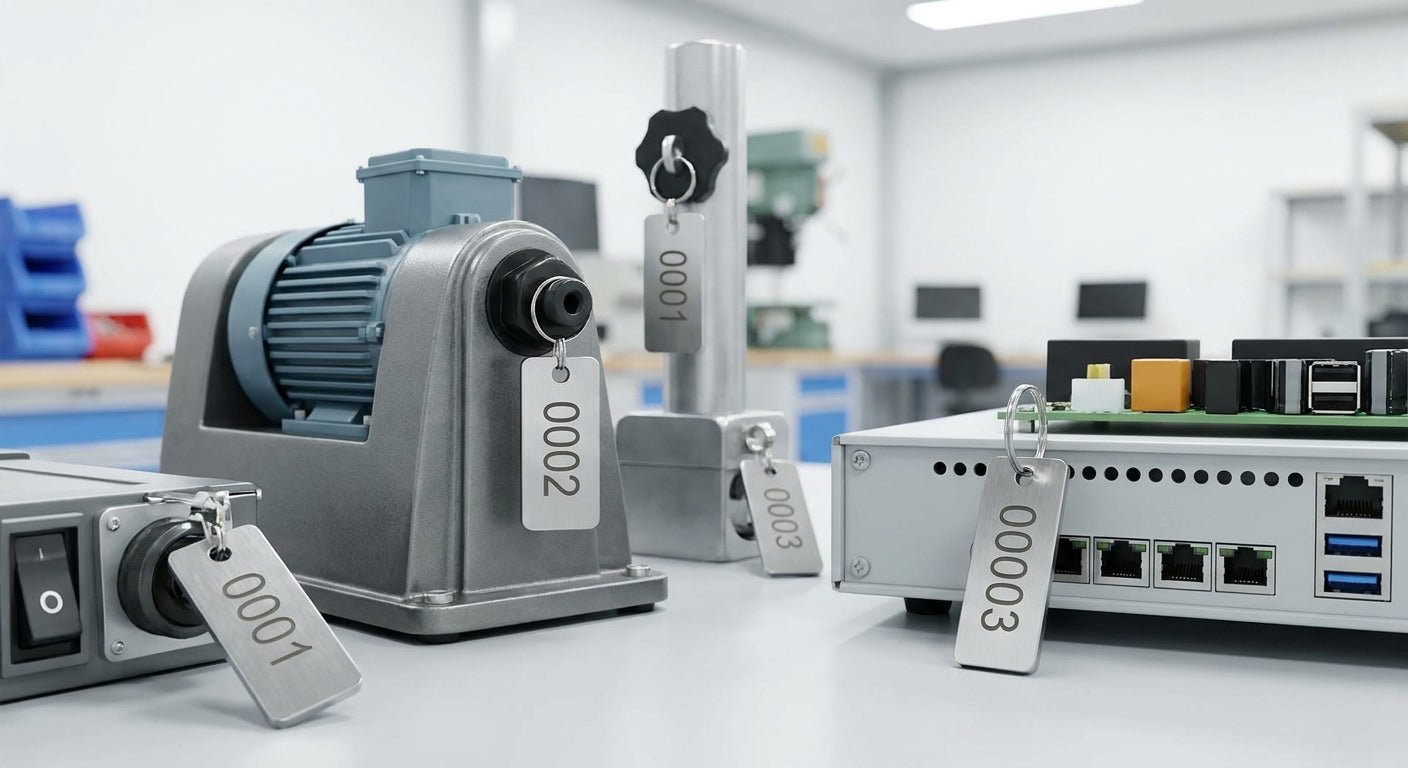
Sequential numbering on asset tags turns a pile of unlabeled equipment into a searchable, auditable inventory system. This guide walks through the exact setup, from choosing a numbering scheme to printing the first batch without a single duplicate.
TL;DR
Sequential numbering on asset tags means every tag prints with a fixed prefix and an auto-incrementing number, so tag 00001 is followed by 00002 with zero manual entry. Set it up through GoLabel or your printer's label design software, pick a digit count that covers 10 years of growth, and always test-print a batch of 10 to 20 before running the full order. A GoDEX GE330 asset tag printer handles this natively at 203 DPI, and heavy-duty silver barcode stock holds the print quality for years outdoors. Verdict: sequential numbering is the right call for any operation tracking more than 50 assets, and setup takes under an hour once the template is built.
Why this matters
Random or hand-written asset IDs create duplicates, skip entries, and make audits take three times longer than they should. A 2026 equipment audit on a numbering scheme with gaps or repeats means someone spends a full day reconciling spreadsheets instead of counting gear.
Sequential numbering on asset tags solves this at the source. Every tag maps to exactly one number, the order tells you roughly when an asset was tagged, and barcode or QR scanning during audits takes seconds instead of manual lookups. It's the same logic warehouses use for pallet IDs and hospitals use for equipment registers — the numbering does the organizing so staff don't have to.
What you'll need
- A thermal label printer that supports incrementing serial fields — most GoDEX printers do this out of the box
- Label design software (GoLabel or equivalent) with a serialized/counter field
- Asset tag stock matched to the mounting surface — heavy-duty silver barcode asset tags for outdoor or metal equipment, semi-gloss white for indoor IT gear
- A spreadsheet or asset management system to log the number range
- 15-30 minutes for setup and a test run before the full print job
The steps
1. Decide your numbering scheme and starting value
Pick a prefix that identifies the tag batch or department — something like "AST-" or a two-letter site code — followed by a fixed-width number. Fixed width matters: 00001 sorts correctly in every spreadsheet and database, while 1 does not. Start at 00001 unless you're merging with an existing register, in which case start above the highest number already in use.
Common mistake: starting at 1 with no leading zeros. Once you hit tag 100, sort order breaks in Excel and most inventory software.
2. Choose the tag material based on where it's mounted
Sequential numbers only matter if the tag survives long enough to be scanned five years later. For equipment that sits outdoors or gets washed down, heavy-duty silver barcode asset tags resist abrasion and UV fading. For laptops, monitors, and indoor IT gear, semi-gloss white or metalized silver ID labels print cleaner barcodes at 300 DPI and cost less per tag.
Common mistake: using indoor-grade stock on forklifts or HVAC units — the numbering sequence is fine, but the tag itself peels or fades within a year.
3. Set up the incrementing field in GoLabel
Open a new label template and add a serialized text or barcode object. In GoLabel, this is the "Counter" field type — set the starting value, the increment (usually 1), and the number of digits to pad with leading zeros. Link the same counter to both the human-readable number and the barcode or QR code on the tag so both increment together.
A GoDEX printer running at 203 or 300 DPI resolves 5-6 digit numbers and barcodes cleanly at typical asset-tag sizes (1x2 inch to 2x3 inch). Save the template before printing anything.
4. Print a test batch of 10 to 20 tags
Run a short batch before committing to hundreds of tags. Check that the counter increments correctly, the barcode scans on the first pass, and the print density is even across the batch — thermal print heads can lose contact pressure on the edges of wider labels.
Expected outcome: 10 sequential tags, numbers 00001 through 00010, each scanning correctly on the first try. If any number repeats or skips, stop and check the counter settings before the full run.
5. Verify barcode and QR scan accuracy
Scan every tag in the test batch with the same scanner or phone app your team will use in the field, not just the printer's built-in preview. Barcode density and label material interact — glossy stock can wash out under warehouse lighting, and metalized silver labels sometimes need a higher contrast setting.
Common mistake: approving a batch based on visual inspection alone. A barcode that looks fine can still fail to scan if the module width is too narrow for the reader in use.
6. Apply tags with a consistent placement standard
Pick one mounting location per asset category — bottom-left corner for laptops, front panel for HVAC units, chassis plate for machinery — and stick to it. Consistent placement means anyone doing an audit in 2026 or 2030 knows exactly where to look without hunting for the tag.
7. Log the number range in your asset register
Record the starting and ending number of every print run — for example, "AST-00001 through AST-00250, printed March 2026" — before tags leave the printer. This single habit prevents the most common failure in sequential numbering: two departments both starting at 00001 because nobody wrote down what was already used.
8. Reprint replacements without breaking the sequence
When a tag gets damaged, reprint the exact same number rather than issuing a new one. Reusing the original number keeps the asset's history intact in whatever system tracks it. Reserve a small block of spare numbers at the end of each batch (an extra 20-50) specifically for reprints, so replacements don't force you to skip ahead in the main sequence.
Troubleshooting
- Duplicate numbers across departments: Assign each department or location its own prefix and number block instead of a shared open-ended counter.
- Numbers skip or jump unexpectedly: Check the increment value in the counter field — a value of 2 instead of 1 is the most common cause.
- Leading zeros disappear: The field is formatted as a number instead of text. Switch the counter object to fixed-width text formatting.
- Barcode fails to scan at high sequence counts: Wider numbers (6 digits vs. 4) can push barcode width past the printable area on smaller tags. Increase tag size or shrink the barcode margin.
- Print fades partway through a large batch: Ribbon or print head pressure is inconsistent. Check remaining thermal transfer ribbon stock and clean the print head before continuing.
- Duplicate scans in the asset system: Usually a reprinted tag issued a new number instead of reusing the original. Cross-check the reprint log against the register.
Tools and resources
- GoDEX GE330 asset tag printer — built for barcode and sequential numbering workflows at 203 DPI
- Heavy-duty silver barcode asset tags — for outdoor, industrial, or high-wear equipment
- A custom quote request for bulk sequential runs — get pricing on a numbered batch if you're tagging more than a few hundred assets at once
- GoLabel counter field documentation for setting increment, padding, and barcode linkage
- A dedicated asset register (spreadsheet or software) to log every number range printed
What to do next
Once the numbering scheme is running, the next decision is barcode format and how numbers map to your broader tracking system. The full walkthrough on printing sequential numbered asset tags covers batch sizing and printer settings in more depth if you're scaling past a single department.
FAQ
What's the best way to start a sequential numbering system for asset tags? Pick a fixed-width number (5-6 digits with leading zeros), assign a prefix per department or site, and log every printed range before tags go on equipment. Starting this way in 2026 prevents the duplicate-number problem that hits most first-time setups.
Is sequential numbering better than random asset IDs? For most operations, yes — sequential numbers are easier to audit because gaps and duplicates are visible at a glance. Random IDs only make sense when you need to prevent competitors or the public from estimating your total asset count.
How many digits should an asset tag number have? Five digits (00001-99999) covers most small and mid-size operations for a decade or more. Facilities tagging over 100,000 assets should use six digits from the start rather than reformatting later.
Can I mix sequential numbers with barcodes or QR codes? Yes, and it's standard practice — the human-readable number and the barcode should increment together from the same counter field so a person and a scanner both read the same asset ID.
What happens if I skip a number in the sequence? Nothing breaks technically, but skipped numbers show up as false "missing asset" flags during audits. Reserve a spare block for reprints instead of skipping ahead mid-batch.
How much does sequential asset tag printing cost in 2026? Cost depends on tag material, quantity, and whether you're printing in-house or ordering a pre-numbered batch — request a custom quote for exact pricing on your run size.
Do I need special software for sequential numbering? Most thermal label software, including GoLabel, includes a built-in counter field for this — no separate database or scripting is required for basic sequential runs.
Can GoDEX printers handle sequential numbering out of the box? Yes, GoDEX printers running GoLabel support incrementing counter fields natively, and models like the GE330 are built specifically for asset tag and barcode print runs.
One last thing
Most teams number tags 1 through however many assets they currently own, then run out of room within two years. Padding to 5 or 6 digits from day one costs nothing extra in print time but saves a full re-tagging project down the road — reserve numbers in blocks per department (0-999 for IT, 1000-1999 for facilities, and so on) so growth in one area never collides with another's sequence.