
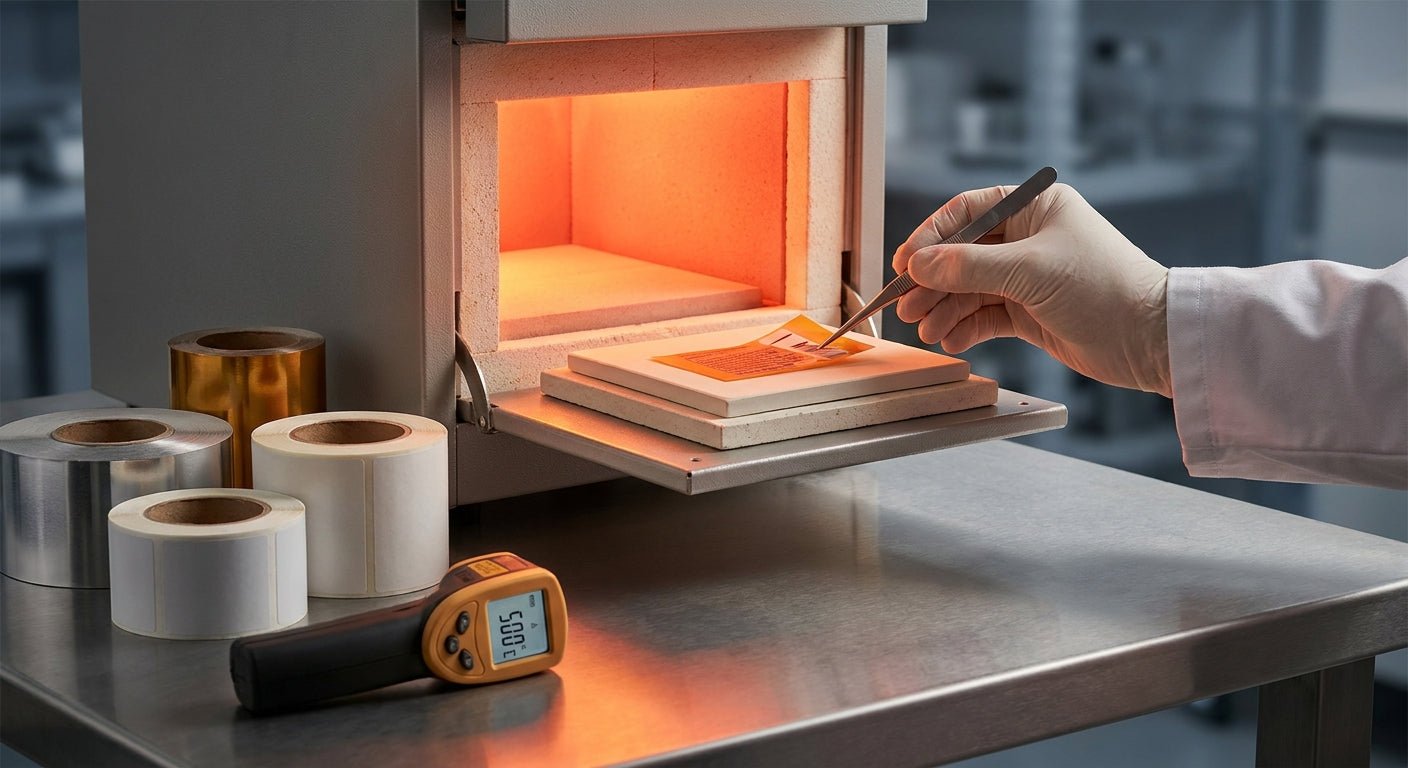
High-heat labeling fails for one reason more than any other: the stock and adhesive weren't rated for the temperature they actually hit, not the temperature someone guessed. This guide walks through picking label stock that survives ovens, engines, autoclaves, and outdoor metal surfaces in 2026, plus the printer and ribbon combination that makes the label legible after the heat, not just before it.
TL;DR
For label stock for high heat environments, metalized polyester with a 3M heavy-duty adhesive printed via thermal transfer is the safe default for most industrial and automotive applications in 2026 — it holds legibility past 300°F short-term exposure and resists UV, oil, and abrasion better than paper or vinyl stock. Semi-gloss white polyester works for indoor equipment tags under 200°F. Direct thermal stock is the wrong call for anything near sustained heat because the image itself is heat-sensitive and will fade or blacken. McAuley Labels stocks metalized silver and 3M heavy-duty barcode tags built for exactly this use case.
Why this matters
A label that fades, curls, or delaminates in a hot environment isn't a cosmetic problem — it's a compliance and asset-tracking failure. Warehouses lose scan rates when barcodes go opaque under sun-baked roof steel. Auto shops lose the paper trail when oil-change stickers cook on an engine block. Labs void a sample when a cryo-to-autoclave label can't survive both extremes. Getting the stock, adhesive, and print method right the first time avoids a second production run and a second shipping bill.
What you'll need
- A clear temperature range for the application (sustained heat vs. brief spikes matter — 150°F for 8 hours is different from 400°F for 90 seconds)
- Metalized silver polyester or 3M heavy-duty polyester stock, depending on surface type
- A thermal transfer printer (not direct thermal) — 3M heavy-duty barcode inventory labels are built for this
- Wax-resin or resin thermal transfer ribbon rated for the same heat range as the stock
- A clean, dry, or degreased surface for application — most heavy-duty adhesives need 50-90°F ambient temp to bond correctly, even if the finished label will run hotter
- A test unit or scrap surface to trial one label before running a full batch
The steps
1. Define the actual heat exposure, not the assumed one
Most mislabeling failures start here. "High heat" on a warehouse mezzanine roof (120-160°F in summer) is a completely different spec than an engine bay (up to 250°F) or an autoclave (270°F+). Write down peak temperature, duration of exposure, and whether it's sustained or cyclical. A label rated for 200°F continuous can often survive a 300°F spike for a few minutes — but not the reverse.
Common mistake: treating "outdoor" and "high heat" as the same spec. Outdoor labels need UV and moisture resistance; high-heat labels need adhesive that doesn't liquefy or dry out under sustained temperature. Some stock does both, most doesn't.
2. Choose the substrate: metalized polyester over paper or vinyl
Paper stock chars or yellows above roughly 150°F and standard vinyl softens and can lose print definition well before 250°F. Metalized polyester holds its shape and reflective finish through much higher ranges and resists the oils and solvents that show up on engines and machine housings. Metalized silver ID labels are the standard pick for equipment that runs hot to the touch — motors, compressors, HVAC housings.
Expected outcome: a stock that stays flat, doesn't yellow, and keeps barcode contrast readable after repeated heat cycles.
3. Match the adhesive to the surface, not just the air temperature
Adhesive failure is more common than face-stock failure. A 3M heavy-duty adhesive is formulated to stay tacky and resist edge lift on textured metal, painted steel, and slightly oily surfaces — the kind of surfaces you actually find near heat sources. Heavy-duty silver barcode tags use this adhesive class specifically for equipment that gets hot during operation and cools between cycles, which is the thermal-cycling stress that peels weaker adhesives.
Common mistake: applying a heavy-duty label to a surface that's already hot. Most adhesives bond best at room temperature — apply cold, then let the equipment heat up naturally.
4. Rule out direct thermal printing immediately
Direct thermal labels print by heat-activating a chemical coating on the paper itself — which means the image is inherently heat-sensitive. Leave a direct thermal label near a heat source and the whole label can darken uniformly, wiping out the barcode. For any high-heat application, print with thermal transfer instead, where ink from a ribbon is fused onto a stable substrate that isn't chemically reactive to ambient heat.
Expected outcome: print quality that doesn't degrade just from proximity to heat, only from direct exposure past the stock's rated limit.
5. Pick a ribbon rated for the same range as the stock
The ribbon matters as much as the label. Wax-resin ribbons handle moderate heat and abrasion; full resin ribbons hold up better against chemical exposure and higher sustained temperatures, which is common on engine components and industrial machinery. A thermal transfer ribbon mismatched to the stock — say, a wax ribbon on a polyester face — smears or scratches off well before the label itself degrades.
Common mistake: buying the cheapest compatible ribbon and assuming it performs the same as a resin-rated one. It doesn't, and the failure shows up as smudged serials months later, not on day one.
6. Print at the right resolution for the barcode density
High-heat asset tags often carry small barcodes on limited real estate — motor housings, HVAC units, compressor casings. A 300 DPI print resolution keeps fine barcode elements crisp enough to scan reliably even after the surface has expanded and contracted through heat cycles. Lower-resolution prints on textured metalized stock are more prone to scan failures once the surface ages.
Expected outcome: first-scan barcode reads without a rescan, even on a label that's been through several heat cycles.
7. Test one label under real conditions before running the batch
Run a single label through the actual heat cycle — oven, engine idle, autoclave run — before committing to a full production order. Check for adhesive lift at the edges, color shift, and barcode scan rate after cooling. This step catches substrate or adhesive mismatches in one afternoon instead of after 500 labels are already applied.
Common mistake: skipping the test because the spec sheet "should" cover it. Spec sheets describe lab conditions; your equipment's actual surface temperature, oil exposure, and vibration are rarely identical.
Troubleshooting
- Label edges lift after a few heat cycles — the adhesive isn't rated for thermal cycling; switch to a 3M heavy-duty adhesive class rather than a standard permanent adhesive.
- Barcode won't scan after heat exposure but looks fine visually — check print resolution first; 203 DPI on small barcodes loses definition that's invisible to the eye but breaks scanners.
- Label darkens or blackens near a heat source — you're on direct thermal stock; switch to thermal transfer immediately, this isn't fixable with better lamination.
- Ribbon smears or scratches off before the label ages — ribbon and stock are mismatched; move to a resin ribbon rated for the same temperature range as the face stock.
- Label curls at the corners in the oven or engine bay — polyester is thinner than intended or adhesive is drying out; heavy-duty metalized stock resists this better than standard polyester.
- Print looks fine at application but fades within weeks in direct sun plus heat — you need UV resistance in addition to heat resistance; not all heat-rated stock is UV-rated, check both specs separately.
Tools and resources
- Metalized silver ID labels for reflective, heat- and chemical-resistant equipment tagging
- 3M heavy-duty inventory barcode labels for textured or oily industrial surfaces
- Thermal transfer ribbon matched to your stock's rated temperature range
- A GoDEX thermal transfer printer at 300 DPI or higher for small, dense barcodes on heat-rated stock
- How to print heat-resistant labels for industrial parts for a deeper look at production-line labeling specifically
FAQ
What's the best label stock for high heat environments? Metalized polyester with a 3M heavy-duty adhesive, printed via thermal transfer, is the standard choice for 2026 — it holds up through repeated heat cycling on metal and painted equipment surfaces better than paper, vinyl, or direct thermal stock.
Is direct thermal or thermal transfer better for high heat? Thermal transfer wins for any application near sustained heat. Direct thermal labels use a heat-sensitive coating that darkens on its own when exposed to heat, independent of print quality.
How much heat can metalized polyester labels handle? Metalized polyester generally holds legibility through short exposure well above 300°F and sustained exposure in the 200-250°F range, though exact ratings vary by adhesive and should be confirmed against the specific product spec before ordering.
Do I need a special printer for high-heat label stock? You need a thermal transfer printer, not a direct thermal unit, plus a ribbon rated for the same temperature range as the stock. A 300 DPI thermal transfer printer covers most industrial barcode needs.
Can I use the same label stock for both cold storage and high heat? Rarely. Cryogenic labels and high-heat labels use different adhesive chemistries because one needs to stay tacky at sub-zero temperatures and the other needs to resist softening or drying out at high heat — check both specs separately rather than assuming one stock covers both.
Why do my barcode labels fail to scan after they've been through a heat cycle even though they look fine? Low print resolution is the usual cause — fine barcode elements lose definition under heat-driven surface expansion. Printing at 300 DPI instead of 203 DPI solves this in most cases.
How long does 3M heavy-duty adhesive last on hot equipment? Adhesive life depends on cycle frequency, surface material, and peak temperature, so check the specific product's rating for your use case rather than assuming a flat lifespan — degreased, clean surfaces extend adhesion life significantly compared to oily or dusty ones.
What ribbon should I use with heat-resistant label stock? Resin or resin-enhanced wax ribbons hold up better against both heat and chemical exposure than standard wax ribbons, and matching the ribbon class to the stock avoids premature smearing.
One last thing
The adhesive fails before the face stock does almost every time — if you're troubleshooting a high-heat label problem in 2026 and the print still looks fine when you peel a failed label off, start with the adhesive class, not the printer settings.