
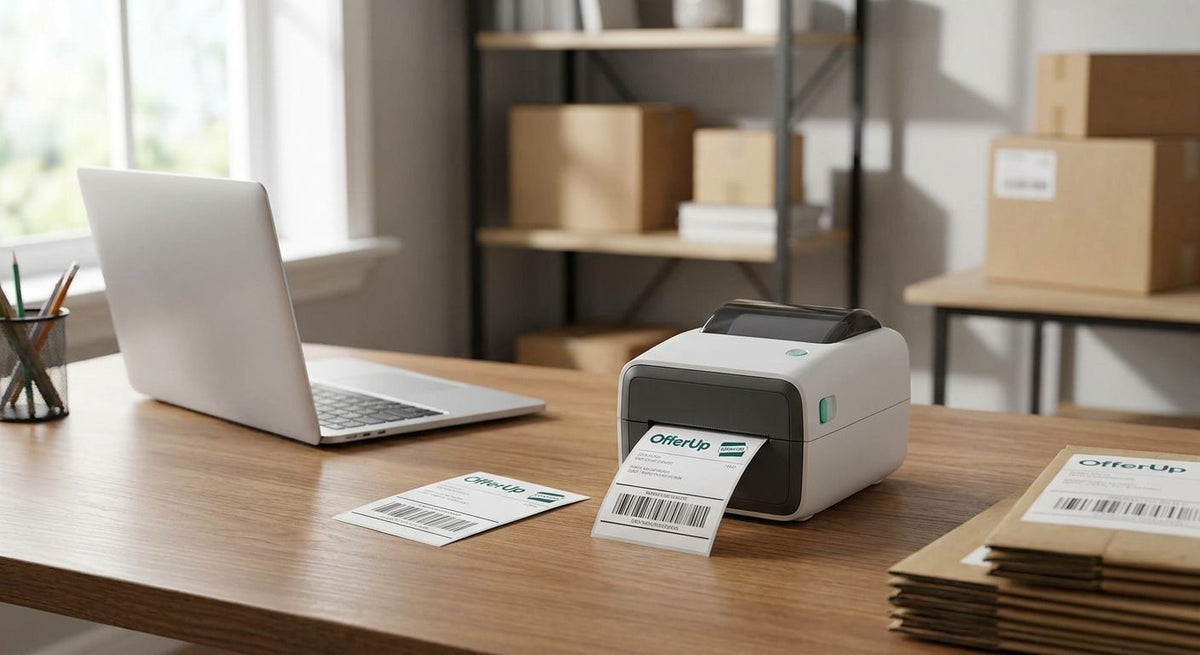
OfferUp sellers who ship packages instead of only doing local pickup need a printer that turns a completed sale into a scannable 4x6 label in under a minute. A thermal label printer for OfferUp sellers is a direct thermal, ribbon-free printer built for exactly that job — no ink cartridges, no warm-up time, no smearing on the drive to the post office. What makes this segment different from a warehouse buyer is volume: most OfferUp sellers ship a handful of packages a week, not pallets, so the printer that wins here is compact, cheap to run, and forgiving of occasional use.
- The GoDEX RT700i+ at $581 covers most OfferUp sellers shipping 5-20 packages weekly in 2026.
- Best thermal label printer for OfferUp sellers in 2026 skips ribbon entirely — direct thermal only.
- 203 DPI handles standard shipping barcodes; go to 300 DPI only if you also print item labels.
- Skip thermal transfer printers for shipping-only use — ribbon cost is wasted on a label scanned once.
Why this matters for OfferUp sellers
OfferUp's shipping option puts sellers in the same lane as any small reseller: the label has to scan clean the first time or the package sits at the counter instead of moving. A label printed on a home inkjet smudges in a bag, and laser toner flakes off glossy label stock under a barcode scanner — both cost you the trip.
The fix is printing on the right kind of machine rather than fighting the wrong one, and McAuley Labels stocks GoDEX direct thermal printers built for exactly this print job (direct thermal vs. thermal transfer explains why the distinction actually matters for shipping). A direct thermal printer burns the image into heat-sensitive paper, so there's no ribbon to run out mid-shipment and no ink to dry out between sales.
Verdict: if you ship more than a couple of OfferUp packages a week, a dedicated thermal label printer pays for itself in saved trips and reprints within a month or two of 2026 shipping activity.
How to set up a thermal label printer for OfferUp shipping
Track your weekly shipped-order count before buying anything
Don't guess your volume — count it.
- Pull the last 30 days of OfferUp sales and separate local pickup from shipped orders
- Note how many shipped orders needed a printed label versus a handwritten one
- Flag any week where you shipped more than 10 packages — that's the point where a printer starts beating the post office kiosk on time
- Sort yourself into casual (under 5 shipments a week) or volume reseller (20+) before you shop
Pick direct thermal over thermal transfer for shipping labels
This single choice decides your ongoing cost.
- Direct thermal labels need heat only — no ribbon, no ink, no toner cartridge to replace
- Thermal transfer needs a ribbon and produces labels that survive years of handling, which a shipping label never needs
- A shipping label gets scanned once at the counter and thrown away with the box, so ribbon cost buys you nothing here
- Reserve thermal transfer printers for asset tags or product labels that need to survive months outdoors or in a warehouse
Match label width and DPI to your carrier's barcode
This is where sellers overspend or underspend.
- USPS, UPS, and FedEx all print standard shipping labels at 4x6 inches — confirm your printer's head covers that width edge to edge
- 203 DPI is enough resolution for any standard shipping barcode
- 300 DPI only matters if you also print small item labels for your OfferUp listings alongside shipping labels
- The GoDEX RT700i+ prints 4 inches wide at 203 DPI for $581, which covers standard shipping labels without paying for an industrial-grade model
Connect the printer to whatever you use to create labels
Getting connected is the last step before your first print, not the first step.
- USB works with any laptop running a browser-based shipping tool
- Wi-Fi or Ethernet models let you print from a phone if you list and ship on the go
- Confirm OS driver support before you buy — check the product page or contact the manufacturer directly
- If you print from a Chromebook or a phone, test cloud printing support before committing to a model
Load direct thermal label stock rated for shipping
The printer is only half the setup — the media matters too.
- Use direct thermal shipping labels sized 4x6 to match your printer's head
- Match label media width to the print head exactly — a mismatch clips barcodes on the edge
- Store spare rolls away from heat and direct sunlight; direct thermal paper fades from both, not just the printhead
- Buy in rolls sized for your actual shipping cadence instead of one small starter pack if you ship weekly
Calibrate and test-print before your first real shipment
Skipping this step is where most rejected labels come from.
- Run the printer's built-in sensor calibration before the first real print — calibrate a thermal label printer walks through the routine
- Print one test label and scan the barcode with your phone before it ever goes on a box
- Check for faded print, gaps, or a barcode that cuts off at the edge
- Reprint immediately if the edges are clipped — that's a media-width mismatch, not a printer defect
Add a rewinder only once you outgrow single-roll printing
Most OfferUp sellers never need this step, but volume resellers eventually do.
- A rewinder takes printed labels off the printer automatically instead of you tearing each one by hand
- GoDEX offers 4-inch and 6-inch rewinder options starting around $536
- Skip this until you're printing labels in batches, not one at a time between sales
- Match rewinder width to your printer's label width, same rule as the printer itself
Which thermal printer fits your OfferUp shipping volume
The lineup below comes from McAuley Labels' GoDEX catalog, matched to how many packages a typical OfferUp seller ships in a given week.
| Option | Best for | Starting price | Key limitation | Verdict |
|---|---|---|---|---|
| GoDEX RT700i+ (4", 203 DPI) | Casual to mid-volume sellers, 5-20 shipments/week | $581 | 203 DPI only, no ribbon support | Buy |
| GoDEX ZX430i+ (4", 300 DPI) | Sellers who also print small item labels needing finer resolution | $945 | Costs more for the same 4x6 shipping job | Buy if you need the resolution |
| GoDEX GX4200i (4", 203 DPI, up to 16 ips) | High-volume resellers shipping daily | $2,246 | Overkill cost for a few weekly shipments | Skip unless daily volume |
| 4x6 direct thermal shipping labels | Pairing with any printer above | $54 | Only works in direct thermal mode | Buy |


Common mistakes OfferUp sellers make with shipping labels
Buying an inkjet or laser printer for shipping labels. Ink smears in a bag and toner flakes off glossy stock, and both fail a barcode scan more often than a direct thermal label does.
Buying a thermal transfer printer and ribbon for shipping-only use. A label that gets scanned once and thrown away doesn't need the multi-year durability ribbon buys — that's money spent on a feature the job never uses.
Skipping calibration and shipping the first label anyway. A mis-calibrated printer produces a barcode with gaps or faded bars, which slows down drop-off or bounces the package back to you.
Nailing the listing but ignoring the label. Sellers spend real effort making sure the photos and description write listings that sell fast, then hand the buyer a torn, smudged label that undoes that work the moment the box ships. The sale isn't finished until the label scans clean at the counter — a good listing gets you the buyer, but a good label gets them the package.
Mismatching label width to the print head. A 4-inch label loaded into a printer set for a narrower width clips the barcode at the edge, and that's a reprint every time.
“If the label doesn't scan clean at the counter, the sale isn't finished — it's stuck.”
FAQ
What's the best thermal label printer for OfferUp sellers in 2026?
The GoDEX RT700i+ at $581 is the best fit for most OfferUp sellers shipping 5 to 20 packages a week in 2026. It prints 4 inches wide at 203 DPI, which covers standard USPS, UPS, and FedEx shipping labels without paying for industrial features you won't use.
Do I need a thermal transfer printer to ship OfferUp packages?
No — a direct thermal printer is enough for shipping labels. Thermal transfer and its ribbon cost only pay off on labels that need to survive months of handling, which a shipping label scanned once and discarded never does.
What DPI do I need for shipping barcodes?
203 DPI covers any standard shipping barcode from USPS, UPS, or FedEx. Move up to 300 DPI only if you also print small item labels for your listings that need finer detail.
Can I use a regular inkjet or laser printer for OfferUp shipping labels?
You can, but ink smears in a bag and laser toner flakes off glossy label stock, both of which cause failed barcode scans. A direct thermal printer avoids both problems because there's no ink or toner involved.
How much does a thermal label printer for OfferUp sellers cost?
Prices in the GoDEX lineup run from $581 for the RT700i+ up to $2,246 for the high-volume GX4200i in 2026. Direct thermal 4x6 label rolls run separately, starting around $54.
What label size do OfferUp shipping labels use?
Standard shipping labels for USPS, UPS, and FedEx print at 4x6 inches. Confirm your printer's head is at least 4 inches wide before buying so the barcode isn't clipped at the edge.
Is a desktop thermal printer better than a phone or app-based label service for occasional sellers?
For anyone shipping more than a couple of packages a week, yes — a desktop printer removes the per-label service fee and the trip to print elsewhere. Under that volume, the cost difference narrows and either option works.
Do direct thermal labels fade over time?
Yes, direct thermal media is heat-sensitive by design, so it fades faster than thermal transfer labels when exposed to heat or sunlight. That's fine for a shipping label scanned once, but store spare rolls out of direct sun or a hot car.
One last thing
Store spare label rolls out of the car. Direct thermal media reacts to heat the same way it reacts to the printhead, so a box of labels left in a hot trunk during an OfferUp meet-up run can arrive pre-faded before it's ever printed — and McAuley Labels ships thermal transfer ribbon separately for the shops that do need the longer-lasting option alongside their thermal label printer lineup.