
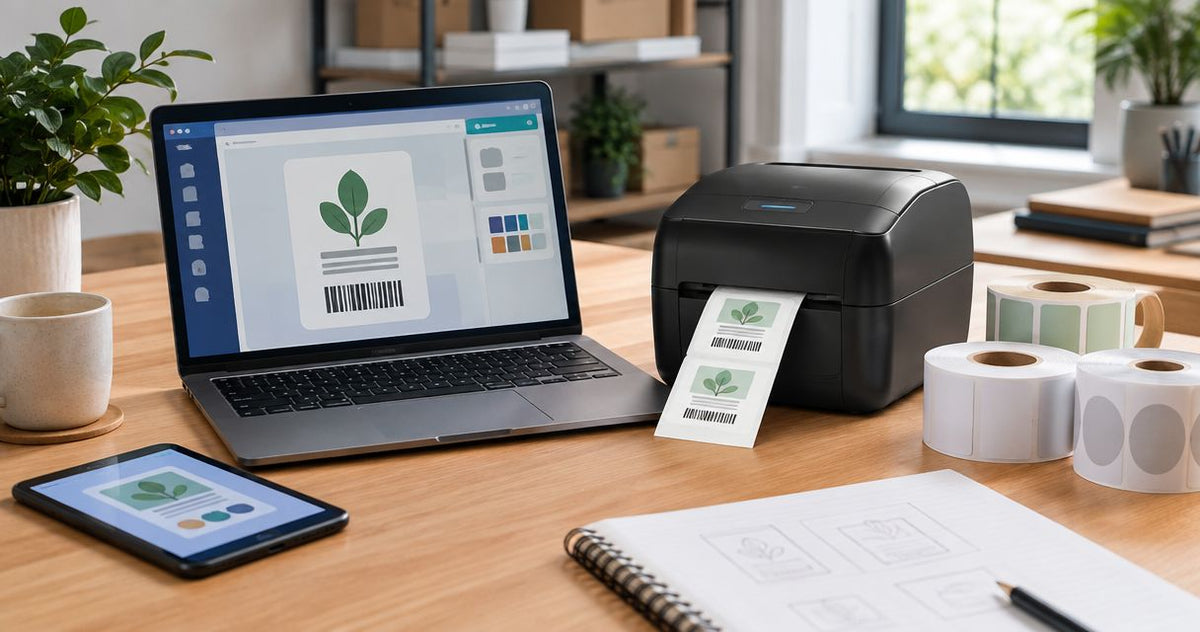
Label design software for thermal printers splits into two camps: free tools bundled with a specific printer brand, and paid platforms built to manage templates across a network of printers. Picking wrong means barcodes that won't scan or a template rebuild every time you add a location.
Best overall: GoLabel II for shops running GoDEX printers. Best for networked, multi-location printing: NiceLabel. Best for regulated compliance labeling: BarTender. Best for Zebra-only fleets: ZebraDesigner. Best for high-volume production-line barcode printing: CODESOFT.
- GoLabel II is the best label design software for thermal printers running GoDEX hardware and ships free with every GoDEX printer.
- NiceLabel wins for multi-location networked label printing across several sites in 2026.
- BarTender fits FDA and GS1 compliance labeling where audit trails matter.
- ZebraDesigner only drives Zebra printers; CODESOFT suits automated production-line barcode printing.
- Match software to your printer's DPI first — 203, 300 and 600 DPI drivers are not interchangeable across brands.
Why this matters
A thermal printer is half a labeling system. The software decides whether a barcode actually scans at the register, whether a serial number auto-increments across a batch of 500 asset tags, and whether a warehouse in Texas prints the same template as one in Ohio without someone emailing a file back and forth.
McAuley Labels sells GoDEX printers running at 203, 300, and 600 DPI, and each resolution tier has its own driver expectations. Buying a 600 DPI printer for a barcode that needs fine resolution and then feeding it software that can't push past 300 DPI wastes the hardware. Getting the software right in 2026 costs nothing extra when it ships with the printer — getting it wrong costs a reprint run.
What makes the best label design software for thermal printers
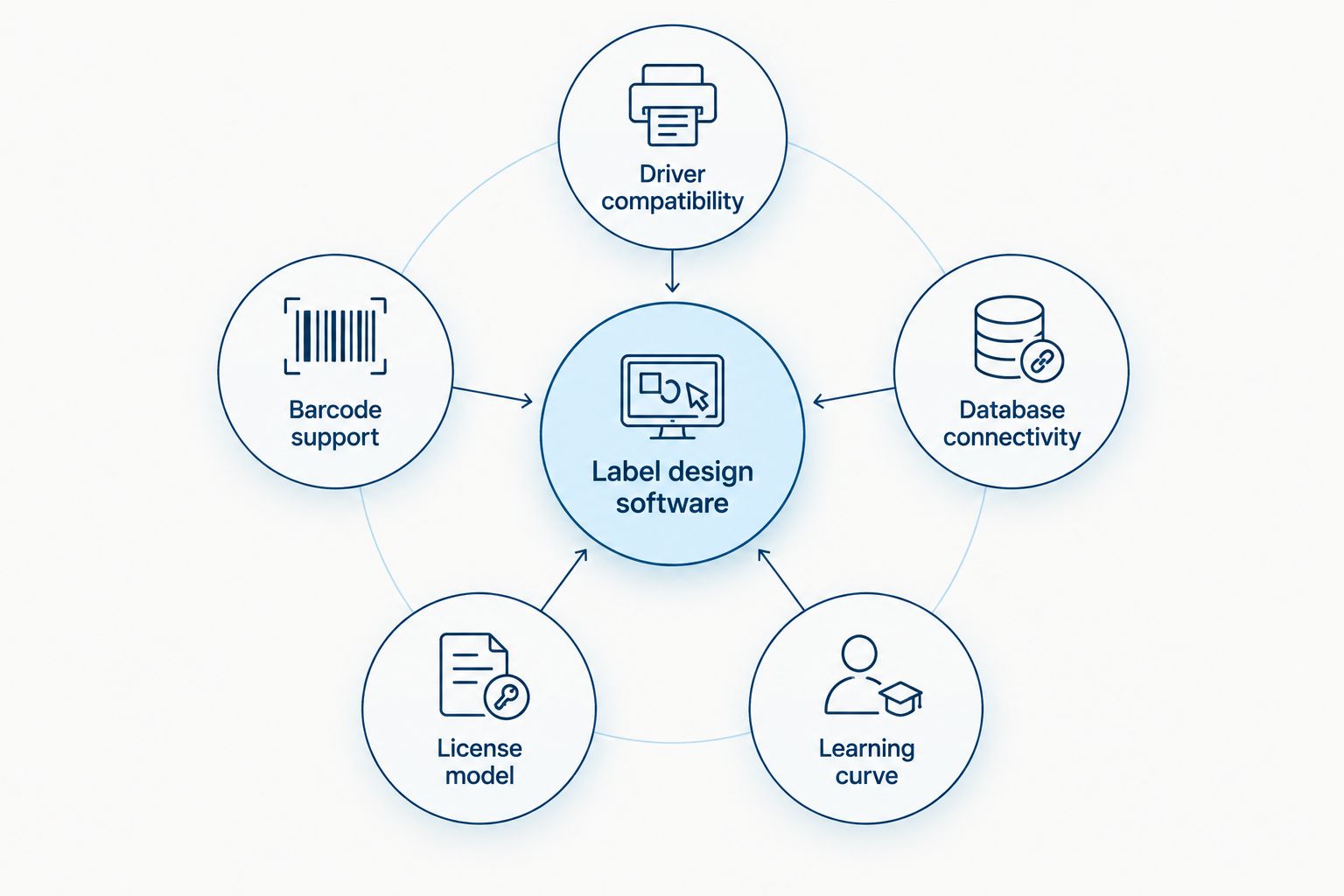
- Native driver support for your printer's actual DPI — 203, 300, or 600
- Barcode and QR symbology accuracy, including GS1-128 and Data Matrix
- Database or spreadsheet connectivity for serial numbers, lot codes, and batch runs
- A license model that fits your printer count — one desktop unit or a fleet
- Stable Windows drivers that survive OS updates without a reinstall
- A learning curve your front-desk or warehouse staff can handle without a training day
“If your label design software can't drive both direct thermal and thermal transfer printheads, it's the wrong software for a shop that changes label stock.”
Label design software for thermal printers: at a glance
| Software | Best For | Standout Feature | Key Limitation |
|---|---|---|---|
| GoLabel II | GoDEX printer owners | Free, bundled, direct driver control | Only drives GoDEX hardware |
| NiceLabel | Multi-location networked printing | Cloud-hosted, centralized templates | Setup needs IT for a single printer |
| BarTender | Regulated/compliance labeling | Data validation and audit trail | License tiers add complexity |
| ZebraDesigner | Zebra-only printer fleets | Native ZPL driver integration | Locked to Zebra hardware |
| CODESOFT | High-volume industrial barcode lines | ODBC/database integration | Enterprise-grade learning curve |
1. GoLabel II: best label design software for thermal printers running GoDEX hardware
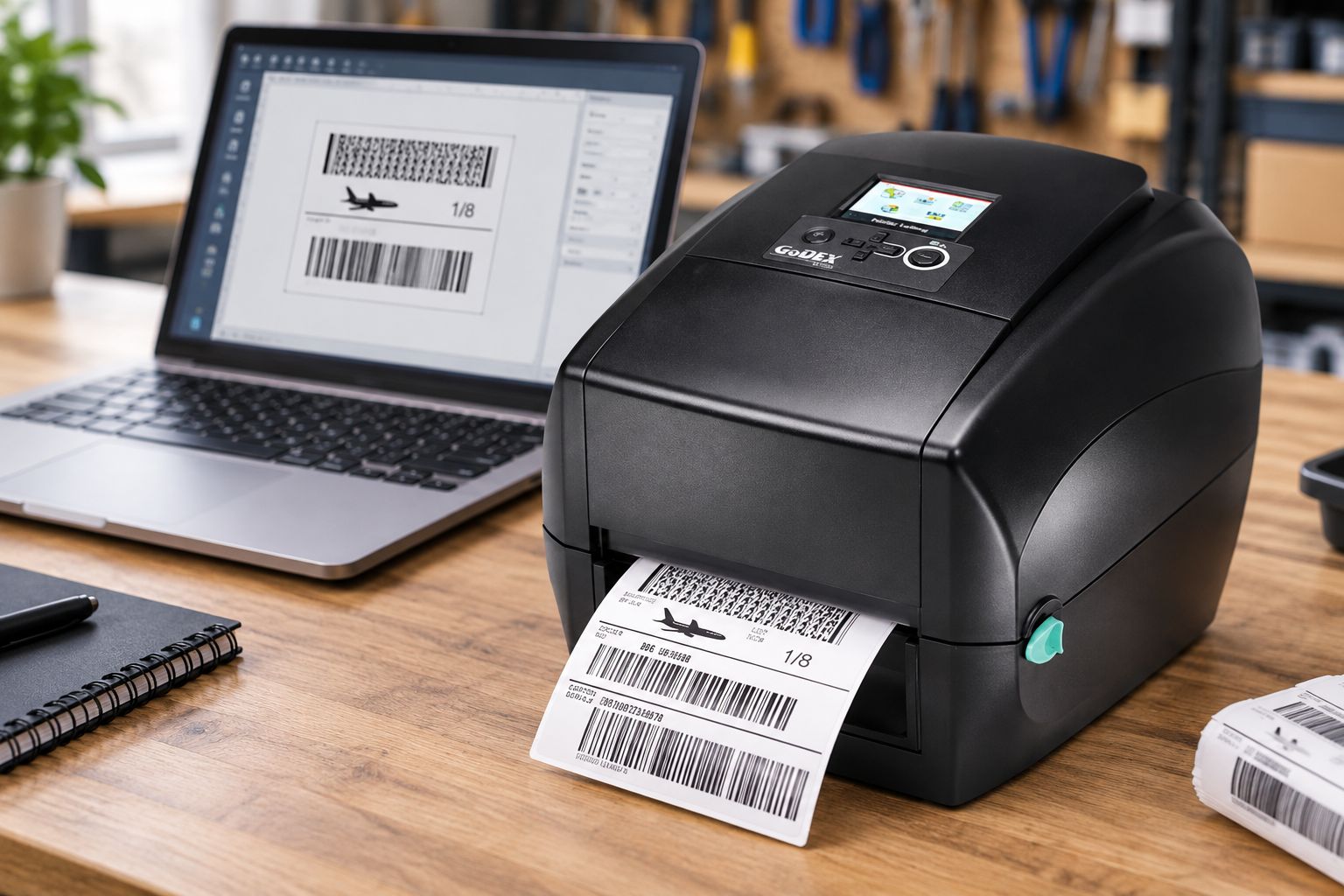
GoLabel II is the Windows design application that comes free with every GoDEX printer McAuley Labels sells — the GoLabel II software guide covers the full interface. It drives GoDEX printers directly, whether that's a 203 DPI unit for basic barcodes or a 600 DPI model for small text and fine 2D codes.
GoLabel II pros:
- Included free with the printer, no separate purchase or license key
- Direct native driver support across GoDEX's 203/300/600 DPI lineup
- Handles barcode, QR, serialized numbering, and plain text in one template
- Simple enough for front-desk staff to learn without formal training
GoLabel II cons:
- Only drives GoDEX-brand printers — useless if your fleet includes another brand
- No cloud or multi-user permission layer for networked template control
- Template library is thinner than dedicated compliance-labeling suites
GoLabel II pricing: included free with GoDEX thermal printers such as the GoDEX RT730i.
Best for: a shop running one to a handful of GoDEX printers that wants the printer and the software as one package.
Verdict: Buy.
2. NiceLabel: best label design software for multi-location networked printing
NiceLabel builds templates once and pushes them to every printer on a network, pulling variable data from a shared database or ERP feed instead of a local file.
NiceLabel pros:
- Cloud-hosted templates one team edits centrally across sites
- Permission controls separate who edits a template from who just prints
- Database-driven fields update automatically across a print run
NiceLabel cons:
- Overkill for a single desktop printer in one location
- Setup usually needs IT involvement to connect to the network and database
- Licensing scales with printer count, which complicates a one-printer shop
Print jobs that cross borders need templates that swap units, language, and barcode format per market — the same logic that makes e-commerce localization software worth adopting for translating checkout flows applies directly to keeping label text and QR destinations correct across a multi-country warehouse network. A retailer running NiceLabel across three countries handles that the same way a storefront handles checkout translation: one template, swapped fields, no manual rebuild per site.
Best for: multi-location retail or warehouse operations printing from a shared label server.
Verdict: Buy for networked operations, Skip for a single printer.
3. BarTender: best label design software for regulated compliance labeling
BarTender, from Seagull Scientific, centers on data validation and audit trails for label formats that regulators check — UDI codes on medical devices, GS1 structures on pharma packaging.
BarTender pros:
- Built-in data validation catches formatting errors before printing
- Audit trail documents every label change for inspection
- Driver library covers most thermal printer brands, not just one
BarTender cons:
- License tiers add setup complexity for a shop printing simple barcodes
- More configuration than most retail or warehouse labeling needs
- Steeper learning curve than a bundled single-brand tool
Best for: manufacturers that must document label changes for FDA or GS1 audits.
Verdict: Buy for regulated industries, Skip for basic retail or warehouse labeling.
4. ZebraDesigner: best label design software for Zebra-only printer fleets
ZebraDesigner is Zebra's own design tool, built to speak the ZPL command language its printers run natively.
ZebraDesigner pros:
- Tight driver integration specifically for Zebra hardware
- A free base version covers basic label design
ZebraDesigner cons:
- Doesn't drive GoDEX or other brands, so a mixed fleet needs a second tool
- Advanced features sit behind a paid tier
The GoDEX vs. Zebra comparison breaks down where each printer brand fits before you commit to either driver ecosystem.
Best for: businesses that already standardized their entire printer fleet on Zebra.
Verdict: Buy only if your printers are Zebra, Skip otherwise.
5. CODESOFT: best label design software for high-volume industrial barcode printing
CODESOFT, from Teklynx, targets production lines where a database triggers thousands of barcode labels a shift across print-and-apply hardware.
CODESOFT pros:
- Broad driver library spanning many printer brands, not one
- Strong ODBC/database integration for automated, high-volume runs
CODESOFT cons:
- Enterprise learning curve, not built for a single front-desk printer
- Licensing structured for larger operations, not a small shop
Best for: manufacturing lines automating barcode print-and-apply with database triggers.
Verdict: Buy for production-line automation, Skip for a single printer.
How we ranked these
Each tool got measured against the same six criteria: native driver support for the printer's actual DPI, barcode/QR symbology accuracy, database connectivity, license fit for printer count, Windows driver stability, and how fast a new employee can build a usable label. GoLabel II wins on cost and simplicity for GoDEX owners; the paid platforms win once printer count or compliance requirements grow past what a bundled tool covers.


Which label design software should you choose in 2026?
If you already run or are buying a GoDEX printer, GoLabel II is the default — it's included, it drives the printer's exact DPI, and it needs no separate license. Move to NiceLabel once a second or third location needs to print the same template without emailing a file. Move to BarTender only when an auditor is asking for a label change log. Skip ZebraDesigner and CODESOFT unless your hardware or production volume specifically calls for them.
FAQ
What's the best label design software for thermal printers in 2026?
GoLabel II is the best label design software for thermal printers running GoDEX hardware because it ships free with the printer and drives its exact DPI natively. Shops with networked, multi-location printing needs are better served by NiceLabel.
Is GoLabel II better than BarTender?
GoLabel II is better for a single GoDEX printer because it's free and simpler to learn. BarTender is better for regulated manufacturing that needs a documented audit trail for every label change.
Does label design software work with any thermal printer brand?
No. GoLabel II only drives GoDEX printers and ZebraDesigner only drives Zebra printers. BarTender, NiceLabel, and CODESOFT support driver libraries across multiple brands.
How much does label design software cost?
GoLabel II is included free with GoDEX thermal printers. Other platforms use license models that scale with printer count — check current licensing directly with the software vendor before buying.
Can label design software print barcodes at 600 DPI?
Yes, but only if both the software driver and the printer's printhead support 600 DPI. GoLabel II supports GoDEX's 600 DPI models natively.
Do I need database connectivity in label design software?
Only if you're printing serialized numbers, batch codes, or variable data pulled from a spreadsheet or ERP. A shop printing static barcode labels doesn't need it.
What software works best for asset tag printing?
GoLabel II handles sequential asset tag numbering fine for a single printer setup. Operations tagging equipment across multiple sites usually move to NiceLabel or BarTender for centralized template control.
Is free label design software good enough for a small business?
For most small shops running one or two thermal printers, yes — GoLabel II covers barcode, QR, and text design without a license fee. Growth into multi-location printing is the usual trigger to upgrade.
One last thing
The software question usually gets asked backwards. Buyers pick the printer first, then discover the software either drives it or doesn't. Flip that: decide whether you need one printer or a networked fleet before you buy hardware, because that answer picks the software, and the software then dictates which printer brand actually makes sense.