
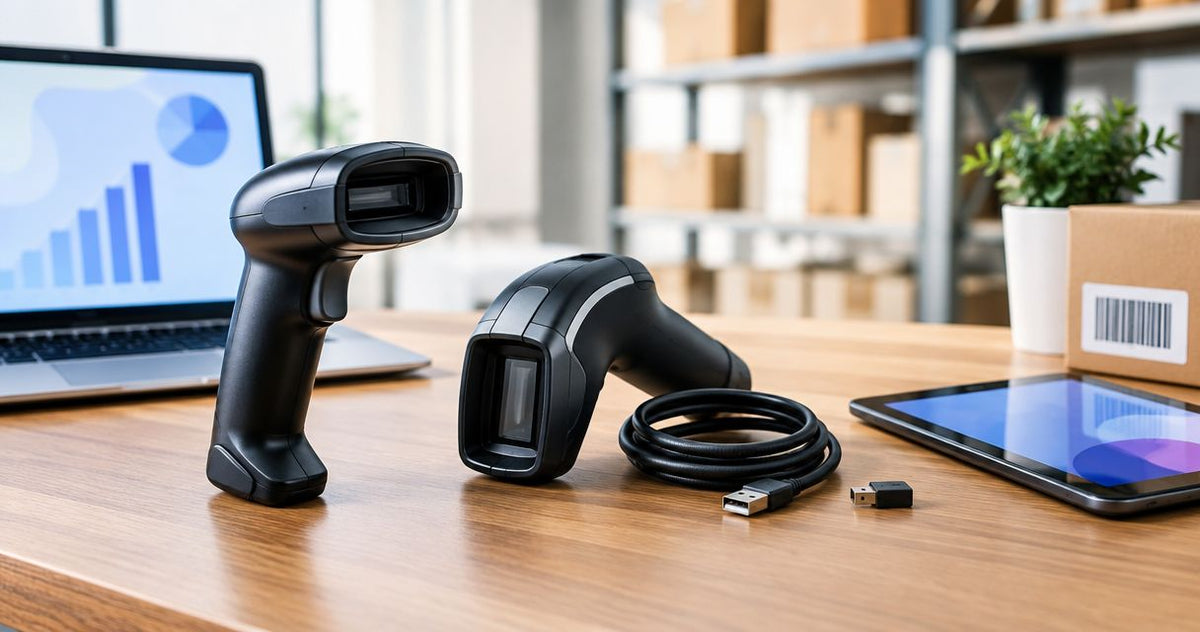
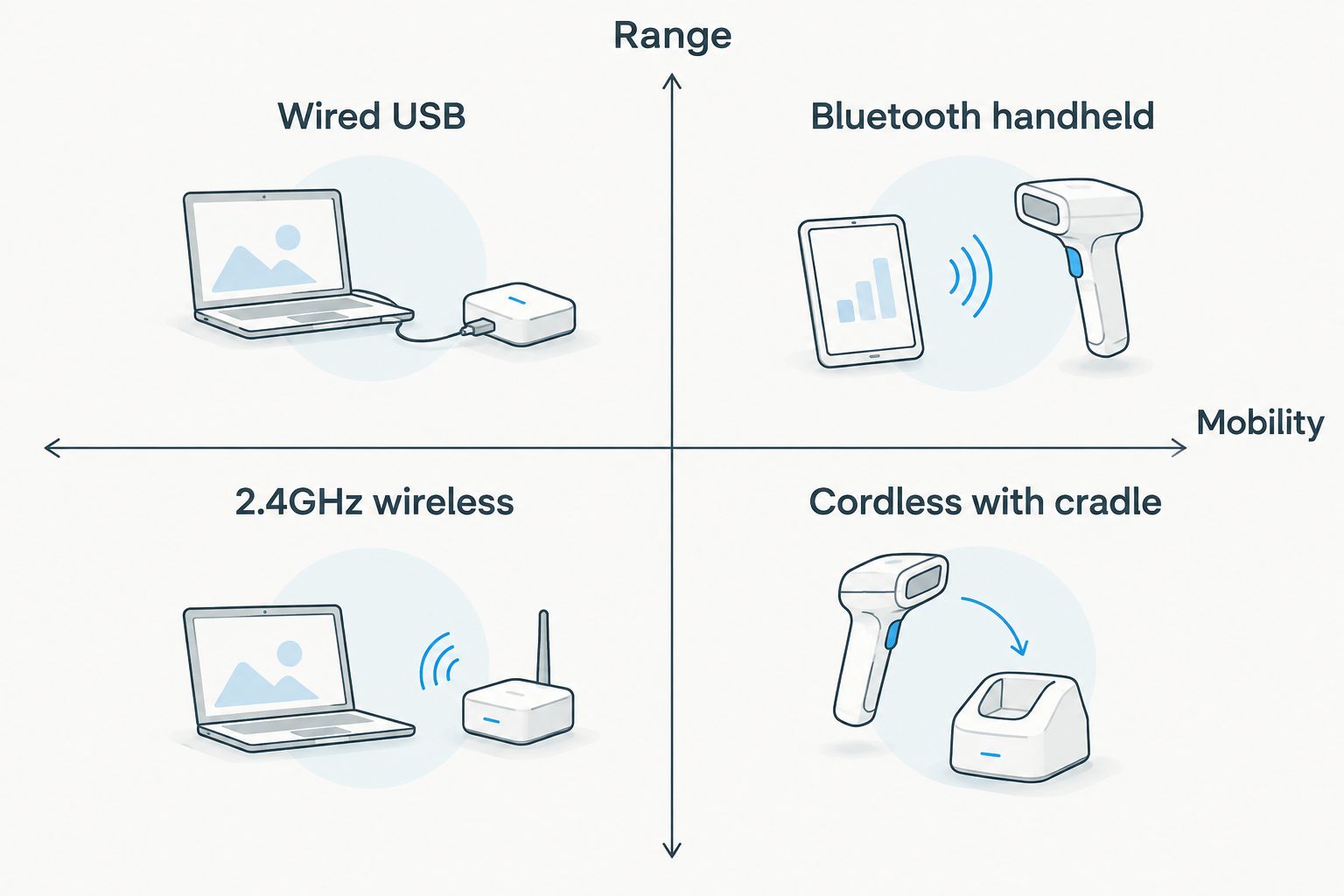
Wired USB scanners win for fixed checkout counters and single workstations; Bluetooth handheld scanners win for warehouse picking and mobile inventory counts; 2.4GHz proprietary wireless wins on crowded floors where several scanners compete for range; and cordless scanners parked on a charging cradle win for multi-shift, high-volume counters. This guide ranks all four barcode scanner connectivity types for 2026 by use case, not by which one sounds newest.
- Wired USB scanners are the right call for fixed checkout lanes: zero pairing, zero battery, zero dropped connections.
- Bluetooth handheld scanners are the pick for warehouse picking and mobile counts, with a typical working range near 33 feet (10 meters) from the base.
- 2.4GHz proprietary wireless scanners avoid the pairing conflicts that show up when several Bluetooth scanners share one floor.
- Cordless scanners on a charging cradle suit multi-shift, high-volume counters where a scanner never leaves the register area.
- The barcode scanner bluetooth vs wired decision comes down to whether the scanning station moves, not which connection is 'better.'
Why this matters
Most buyers ask "Bluetooth or wired" as if one connection type is universally correct. It isn't. A fixed checkout lane and a warehouse picker have opposite requirements: one wants zero moving parts, the other wants to walk away from the terminal.
Get the connectivity type wrong and you pay for it twice — once in hardware, once in the workaround staff builds around a scanner that doesn't fit how they move. The McAuley Labels catalog carries wired scanning gear built for exactly this kind of fixed-station decision, and the ranking below treats connectivity as a use-case question, not a spec sheet contest.
What makes the best barcode scanner connectivity
- Range — how far the scanner works from its base or host device before it drops signal.
- Setup friction — pairing steps, drivers, and how often a connection needs to be re-established.
- Battery dependency — whether uptime depends on a charge cycle or a cable that never runs dry.
- Interference tolerance — how the connection holds up with multiple scanners, phones, and Wi-Fi access points nearby.
- Cost of ownership — cradles, spare batteries, and replacement dongles add up beyond the scanner itself.
- Fit to workflow — does the job require the operator to stay at a counter or move through aisles.
At a glance
| Connectivity type | Best for | Standout feature | Key limitation |
|---|---|---|---|
| Wired USB | Fixed checkout counters | Zero pairing, zero battery | No mobility past the cable length |
| Bluetooth handheld | Warehouse picking, mobile counts | Walk-away range from a paired host | Needs charging and occasional re-pairing |
| 2.4GHz proprietary wireless | Multi-scanner floors | Dongle-based, skips Bluetooth congestion | Dongle loss means the scanner is dead |
| Cordless with cradle | Multi-shift, high-volume counters | Charges between uses without staff intervention | Cradle adds a fixed footprint at the station |
1. Wired USB scanners: best barcode scanner connectivity for fixed checkout counters
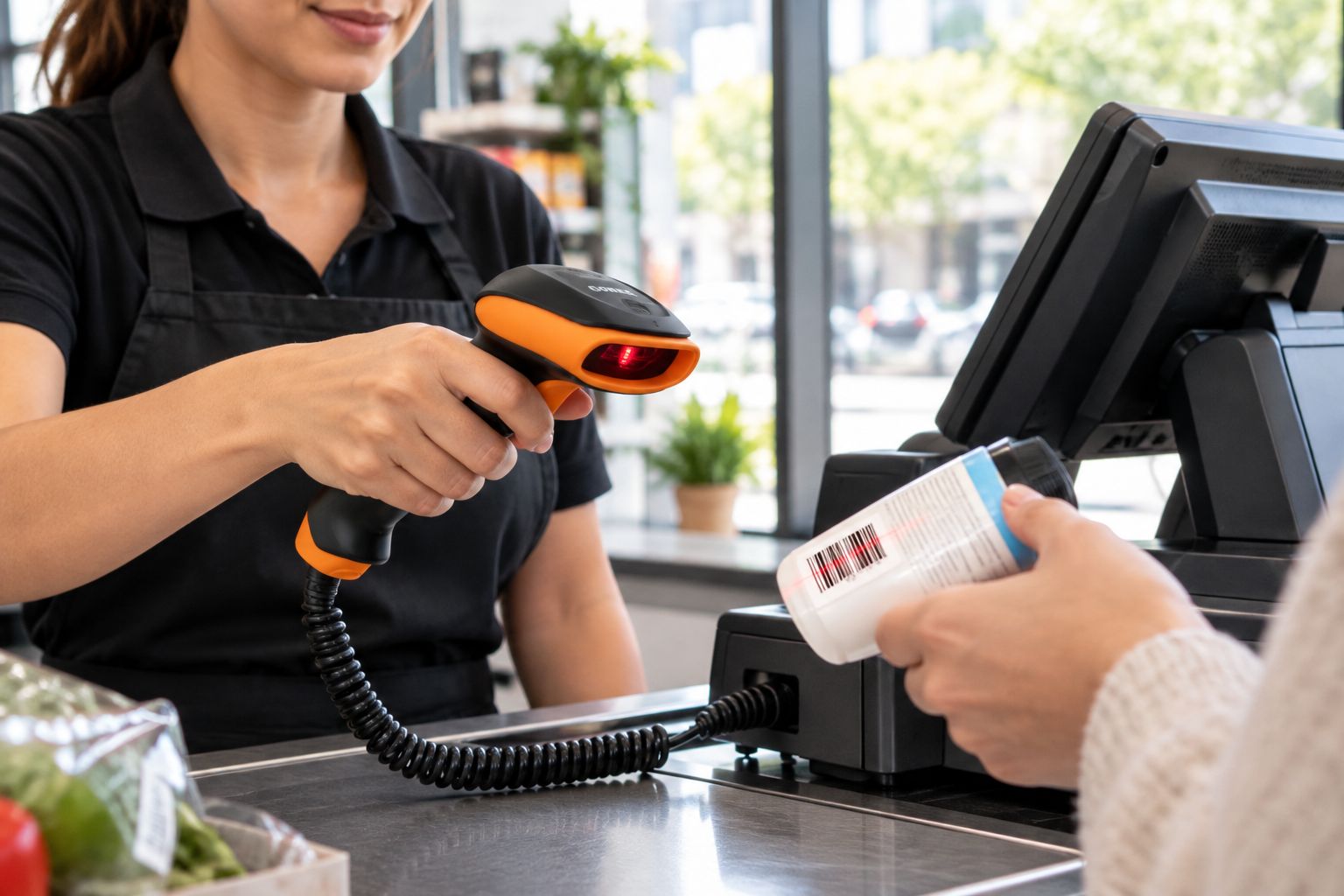
A wired USB scanner plugs in as a keyboard-emulation device and starts working the moment it's connected — no pairing screen, no driver hunt on most point-of-sale systems. That simplicity is the entire selling point: nothing to charge, nothing to re-pair after a reboot, nothing that drops mid-scan.
The GoDEX GS220 USB Barcode Scanner is a 1D plug-and-play model built for exactly this job and ships with a 3-year warranty. It's the scanner you buy when the station never moves and uptime matters more than range.
Wired USB scanner pros:
- Works instantly on connection, no pairing step
- No battery to manage or replace
- Lowest cost of ownership over multiple years
- Immune to Bluetooth interference from nearby devices
Wired USB scanner cons:
- Limited to cable length, typically a few feet from the terminal
- Not suited to picking, receiving, or floor work
- One scanner per station, no sharing across counters
Best for: single, fixed scanning stations like checkout lanes and reception desks. Verdict: Buy for any counter that doesn't move.
2. Bluetooth handheld scanners: best barcode scanner connectivity for warehouse picking
A Bluetooth handheld scanner pairs with a phone, tablet, or base unit and lets the operator walk the aisle instead of carrying inventory to a terminal. Typical Bluetooth Class 2 range runs around 33 feet (10 meters) from the paired device, enough to cover most picking zones without losing connection.
The tradeoff is dependency: a Bluetooth scanner needs a charge cycle and, occasionally, a re-pair after the host device restarts or goes out of range too long.
Bluetooth handheld scanner pros:
- Operator moves freely through warehouse inventory scanning zones without a cable
- Pairs with phones or tablets already in use on the floor
- Range covers most picking aisles from one base
Bluetooth handheld scanner cons:
- Battery life dictates the shift, not the operator
- Re-pairing after a dropped connection interrupts the count
- Multiple units on one floor can compete for the same wireless channel
Best for: warehouse picking, mobile inventory counts, and receiving docks where the scanner needs to travel. Verdict: Buy for any workflow that leaves the counter.
“If the scanner needs a battery indicator, you've already added a dependency a wired setup never had.”
3. 2.4GHz proprietary wireless scanners: best barcode scanner connectivity for multi-scanner floors
A 2.4GHz proprietary wireless scanner pairs to a USB dongle instead of a Bluetooth radio. It behaves like Bluetooth in practice — cordless, base-paired — but runs on a dedicated frequency that doesn't compete with the Bluetooth traffic from phones, headsets, and other scanners on a busy floor.
This matters most where five or ten scanners operate within a few dozen feet of each other, a common scenario in distribution centers running multiple lanes at once.
2.4GHz wireless scanner pros:
- Skips Bluetooth channel congestion on crowded floors
- Pairing is typically dongle-to-scanner, not device-to-device
- Range performance holds up better with many units active
2.4GHz wireless scanner cons:
- Losing the dongle takes the scanner offline until replaced
- Not natively compatible with phones or tablets the way Bluetooth is
- Fewer host device options than Bluetooth or wired
Best for: distribution centers and multi-lane operations running several scanners in close proximity. Verdict: Hold — worth it only once Bluetooth interference is a documented problem, not a guess.
4. Cordless scanners with charging cradle: best barcode scanner connectivity for multi-shift counters
A cordless scanner that returns to a charging cradle between scans combines Bluetooth's freedom of movement with a fixed home base that keeps it charged without staff remembering to plug it in. This setup suits counters that run multiple shifts a day and can't afford a scanner going dead mid-shift.
The cradle adds a permanent footprint at the station, which is the one cost this option carries that a plain handheld doesn't.
Cordless with cradle pros:
- Battery stays topped off automatically between scans
- Retains Bluetooth's mobility for reaching product on nearby shelves
- Reduces the "dead battery mid-shift" failure mode
Cordless with cradle cons:
- Cradle takes up permanent counter space
- Higher upfront cost than a plain wired or Bluetooth-only unit
- Still dependent on Bluetooth pairing behavior
Best for: high-volume, multi-shift counters where the scanner leaves the base often but always comes back. Verdict: Buy for busy registers that run more than one shift.
How we ranked
Each connectivity type was scored against the six criteria above — range, setup friction, battery dependency, interference tolerance, cost of ownership, and fit to workflow. Wired USB wins on friction and cost but loses on range. Bluetooth wins on mobility but adds a battery dependency. The ranking reflects which criteria matter most for each job, not a single "best" winner across the board.
Which barcode scanner connectivity should you choose?
If the scanning station never moves, buy a wired USB scanner and stop evaluating wireless options — the GoDEX GS220 covers that job with a 3-year warranty and no pairing step. If staff need to walk product aisles or receiving docks, buy a Bluetooth handheld scanner and budget for a spare battery. Reach for 2.4GHz proprietary wireless only once Bluetooth interference is an actual, observed problem on a crowded floor, and choose a cordless-with-cradle setup when a counter runs more than one shift a day and can't risk a dead battery at 2 p.m.
FAQ
Is Bluetooth or wired better for a barcode scanner in 2026?
Wired is better for fixed checkout counters because it never needs charging or pairing. Bluetooth is better for warehouse picking and mobile counts because the operator can move away from the terminal.
How far can a Bluetooth barcode scanner work from its base?
Most Bluetooth Class 2 scanners work reliably up to about 33 feet (10 meters) from the paired device. Range drops in facilities with metal shelving or heavy Wi-Fi traffic.
Do wired USB barcode scanners still make sense in 2026?
Yes, for any station that doesn't move. A wired scanner has no battery to manage and connects instantly, which makes it the lower-maintenance choice for fixed checkout lanes.
What's the difference between Bluetooth and 2.4GHz proprietary wireless scanners?
Bluetooth pairs directly to phones, tablets, or computers and shares that radio band with other devices. 2.4GHz proprietary wireless pairs to a dedicated USB dongle and avoids competing with Bluetooth traffic on crowded floors.
What is the best barcode scanner connectivity for a small retail counter?
A wired USB scanner is the best fit for a small retail counter with one fixed register. It eliminates pairing and battery management for a single-station setup.
Can a Bluetooth barcode scanner work without a charging cradle?
Yes, most Bluetooth handheld scanners charge over a USB cable when not paired. A cradle simply automates that step for high-volume, multi-shift stations.
Is a 1D or 2D scanner better paired with Bluetooth connectivity?
Connectivity and scan type are separate decisions. Both 1D and 2D scanners are available in wired and Bluetooth versions, so the choice depends on whether you're scanning QR codes or standard barcodes, not the connection.
Why do warehouses avoid wired barcode scanners?
Wired scanners tie the operator to the length of a cable, which doesn't work for picking across aisles. Bluetooth or 2.4GHz wireless scanners let staff scan while walking the floor.
One last thing
The detail buyers overlook: a wired scanner removes two failure points at once — the battery and the pairing handshake — not because wired technology is superior, but because it has nothing wireless to fail. That's why fixed counters gravitate back to USB scanners even in 2026, long after Bluetooth became the default assumption for new hardware.